
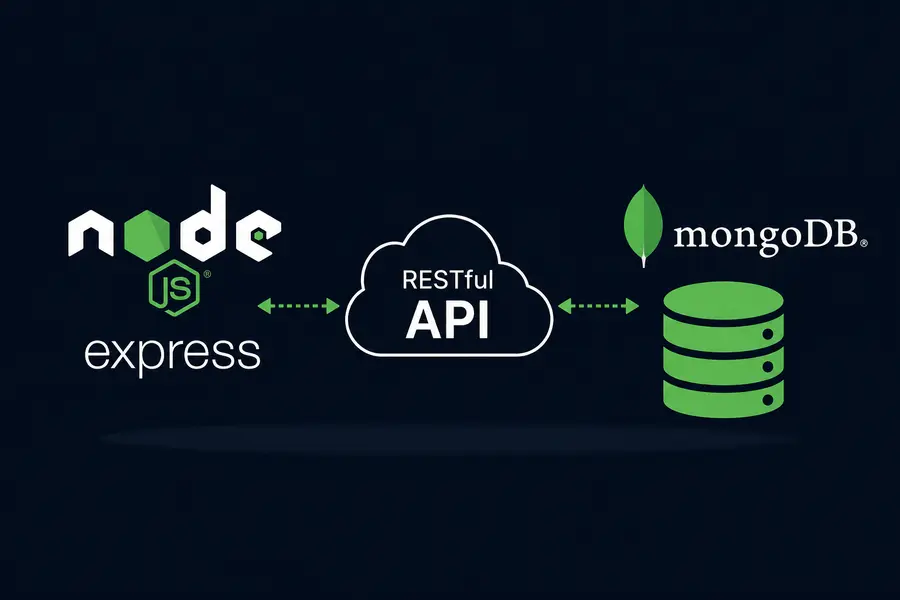
Build a Complete RESTful API with Node.js, Express & MongoDB
Modern web applications are rarely built as fully monolithic systems.
Today, frontend applications like React, mobile apps, and dashboards communicate with backend services through APIs.
The most popular architecture for this communication is the RESTful API model.
What is a RESTful API?
REST stands for Representational State Transfer.
It is an architectural style for building scalable and standardized web services using HTTP methods.
REST APIs revolve around resources and HTTP verbs.
- GET → Fetch data
- POST → Create data
- PATCH → Update data
- DELETE → Remove data
Setting Up the Project
Start by creating a new Node.js project and installing the required dependencies.
mkdir node-api-project

cd node-api-project

npm init -y

npm install express mongoose dotenv
These packages provide:
- Express → HTTP server framework
- Mongoose → MongoDB ODM
- dotenv → Environment variable management
Creating the Express Server
const express = require('express');

const mongoose = require('mongoose');

require('dotenv').config();

const app = express();

app.use(express.json());

mongoose.connect(
    process.env.MONGODB_URI
);

app.listen(3000, () => {
    console.log('Server running');
});
The express.json() middleware allows Express to parse incoming JSON request bodies.
Creating the Mongoose Schema
Mongoose helps define a structured schema for MongoDB collections.
const mongoose = require('mongoose');

const postSchema = new mongoose.Schema({

    title: {
        type: String,
        required: true
    },

    content: {
        type: String,
        required: true
    },

    author: {
        type: String,
        default: 'Anonymous'
    }
});

module.exports =
    mongoose.model('Post', postSchema);
This schema defines the structure of blog posts stored in MongoDB.
Creating API Routes
REST APIs organize logic using routes.
Create a dedicated router for posts.
const express = require('express');

const router = express.Router();

const Post = require('../models/Post');
Create a Post
router.post('/', async (req, res) => {

    try {

        const post = new Post({
            title: req.body.title,
            content: req.body.content
        });

        const savedPost =
            await post.save();

        res.status(201).json(savedPost);

    } catch (err) {

        res.status(400).json({
            message: err.message
        });
    }
});
Fetch All Posts
router.get('/', async (req, res) => {

    const posts =
        await Post.find();

    res.json(posts);
});
Fetch a Single Post
router.get('/:id', async (req, res) => {

    const post =
        await Post.findById(
            req.params.id
        );

    res.json(post);
});
Update a Post
router.patch('/:id', async (req, res) => {

    const post =
        await Post.findById(
            req.params.id
        );

    post.title =
        req.body.title;

    const updatedPost =
        await post.save();

    res.json(updatedPost);
});
Delete a Post
router.delete('/:id', async (req, res) => {

    const post =
        await Post.findById(
            req.params.id
        );

    await post.deleteOne();

    res.json({
        message: 'Deleted'
    });
});
Connecting the Router
Import the router into the main server file.
const postsRouter =
    require('./routes/posts');

app.use('/api/posts', postsRouter);
All requests starting with /api/posts now use the posts router automatically.
Why This Architecture Works
- Clean project structure
- Reusable routes
- Scalable backend architecture
- Easy database integration
- Separation of concerns
Best Practices
- Use environment variables
- Validate request data
- Handle errors properly
- Separate routes and models
- Use async/await consistently
Conclusion
Node.js, Express, and MongoDB form one of the most powerful backend stacks in modern JavaScript development.
By combining Express routing with Mongoose schemas, developers can build scalable and maintainable RESTful APIs for modern web applications.