
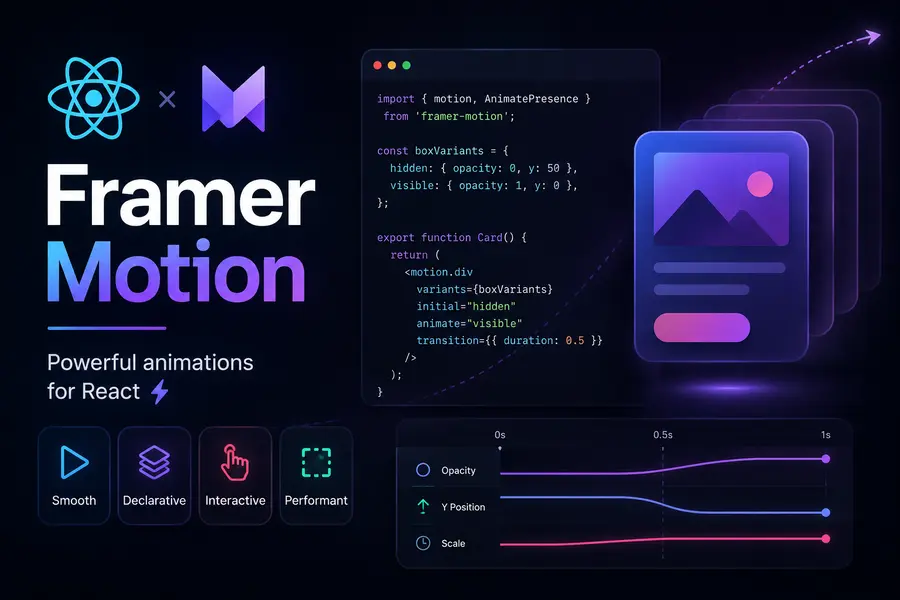
Framer Motion Guide: Build Interactive React UI Animations
Modern web applications are no longer static. Smooth animations and interactive transitions have become essential parts of user experience.
Framer Motion has become the most popular animation library for React because it follows the same declarative philosophy that makes React powerful and clean.
Why Framer Motion?
Traditional CSS animations become difficult to manage in complex React applications.
Framer Motion simplifies animations by connecting motion directly to component state and lifecycle.
- Simpler animation logic
- Better React integration
- Interactive gestures
- Exit animations support
- Cleaner declarative syntax
The motion Component
Framer Motion transforms standard HTML elements into animated components.
import { motion } from 'framer-motion';

function Example() {

    return (
        <motion.div
            initial={{ opacity: 0, x: -100 }}
            animate={{ opacity: 1, x: 0 }}
            transition={{
                duration: 0.8
            }}
        />
    );
}
The initial prop defines the starting state, while animate defines the final state.
Using Variants
Variants help organize complex animations by defining reusable animation states.
const cardVariants = {

    hidden: {
        opacity: 0,
        y: 50
    },

    visible: {
        opacity: 1,
        y: 0
    }
};
Variants become extremely powerful when animating multiple components together.
Staggered Animations
Framer Motion makes sequential animations simple using staggerChildren.
transition: {
    staggerChildren: 0.2
}
This creates smooth list animations where items appear one after another.
Interactive Gestures
Framer Motion includes built-in gesture animations for hover, tap, and drag interactions.
<motion.button
    whileHover={{ scale: 1.1 }}
    whileTap={{ scale: 0.9 }}
>
    Click Me
</motion.button>
These interactions dramatically improve the feel of modern interfaces.
AnimatePresence
React normally removes components instantly from the DOM, preventing exit animations.
AnimatePresence solves this problem by allowing components to animate before unmounting.
<AnimatePresence>

    {isOpen && (
        <motion.div
            exit={{ opacity: 0 }}
        />
    )}

</AnimatePresence>
Why AnimatePresence Matters
Exit animations make modals, dropdowns, notifications, and page transitions feel smooth and professional.
Best Use Cases
- Modern landing pages
- Interactive dashboards
- Animated navigation menus
- Page transitions
- Modals and notifications
- Interactive buttons and cards
Performance Benefits
Framer Motion is optimized for performance and uses hardware-accelerated animations whenever possible.
Animations remain smooth even in complex React applications.
Conclusion
Framer Motion provides one of the best developer experiences for creating animations in React.
Its declarative API, gesture system, and animation orchestration tools make it the ideal solution for building modern interactive user interfaces.