React Hooks Explained: Build Powerful Functional Components
React Hooks completely changed the way developers build React applications by bringing state and lifecycle features into functional components.
Before Hooks, React development relied heavily on Class Components with complex lifecycle methods and confusing this bindings.
Hooks simplified React development and introduced a cleaner functional programming approach.
What Are React Hooks?
Hooks are special React functions that allow functional components to use state, side effects, context, and other React features.
useState Hook
The useState hook allows components to store and update local state.
Example
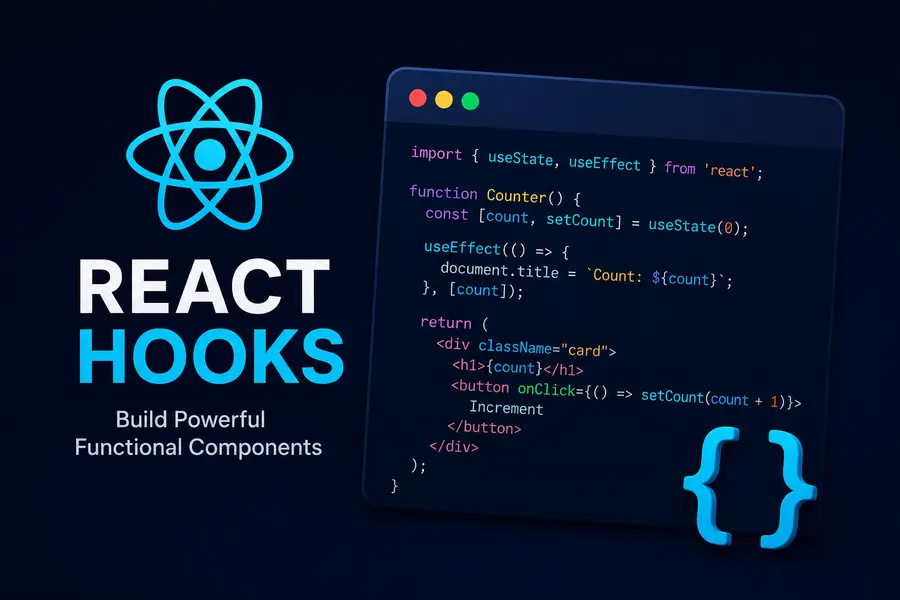
import React, { useState } from 'react';

function Counter() {

    const [count, setCount] = useState(0);

    return (
        <div>
            <h1>{count}</h1>
            <button onClick={() => setCount(count + 1)}>
                +
            </button>
        </div>
    );
}
useEffect Hook
useEffect handles side effects such as API requests, timers, event listeners, and subscriptions.
Fetch API Example
import React, { useEffect, useState } from 'react';

function Users() {

    const [users, setUsers] = useState([]);

    useEffect(() => {

        fetch('/api/users')
            .then(res => res.json())
            .then(data => setUsers(data));

    }, []);

    return (
        <div>
            {users.map(user => (
                <p key={user.id}>{user.name}</p>
            ))}
        </div>
    );
}
Cleanup Functions
useEffect can return a cleanup function to prevent memory leaks.
useEffect(() => {

    const interval = setInterval(() => {
        console.log('Running...');
    }, 1000);

    return () => {
        clearInterval(interval);
    };

}, []);
Custom Hooks
Custom Hooks allow developers to reuse logic across multiple components.
Custom Fetch Hook
function useFetch(url) {

    const [data, setData] = useState(null);

    useEffect(() => {

        fetch(url)
            .then(res => res.json())
            .then(data => setData(data));

    }, [url]);

    return data;
}
Why Hooks Matter
- Cleaner code
- Better reusability
- Simpler state management
- Reduced boilerplate
- Improved readability
- Functional programming patterns
Important Hook Rules
- Only call Hooks at the top level.
- Do not call Hooks inside loops or conditions.
- Only use Hooks inside React functional components.
Popular React Hooks
- useState — Local state management
- useEffect — Side effects and lifecycle handling
- useContext — Global state access
- useReducer — Complex state management
- useMemo — Performance optimization
- useCallback — Function memoization
Conclusion
React Hooks modernized React development by making components cleaner, reusable, and easier to maintain.
Today, Hooks are the standard approach for building modern React applications.