
Speed Up Laravel Applications: 10 Practical Tips to Improve Performance
Laravel is fast and powerful, but poor database usage and inefficient coding practices can easily make applications painfully slow.
Performance is not a feature added later. It is the result of solid engineering decisions from the beginning.
1. Eliminate the N+1 Query Problem
The N+1 problem is one of the biggest causes of slow Laravel applications.
Bad Example
$posts = Post::all();

@foreach ($posts as $post)
    {{ $post->user->name }}
@endforeach
This generates dozens of unnecessary database queries.
Correct Solution: Eager Loading
$posts = Post::with('user')->get();
Eager loading reduces query count dramatically and improves performance immediately.
2. Use Caching
The fastest database query is the one you never execute.
$topPosts = Cache::remember('top_posts', 3600, function () {
    return Post::orderBy('views', 'desc')->take(10)->get();
});
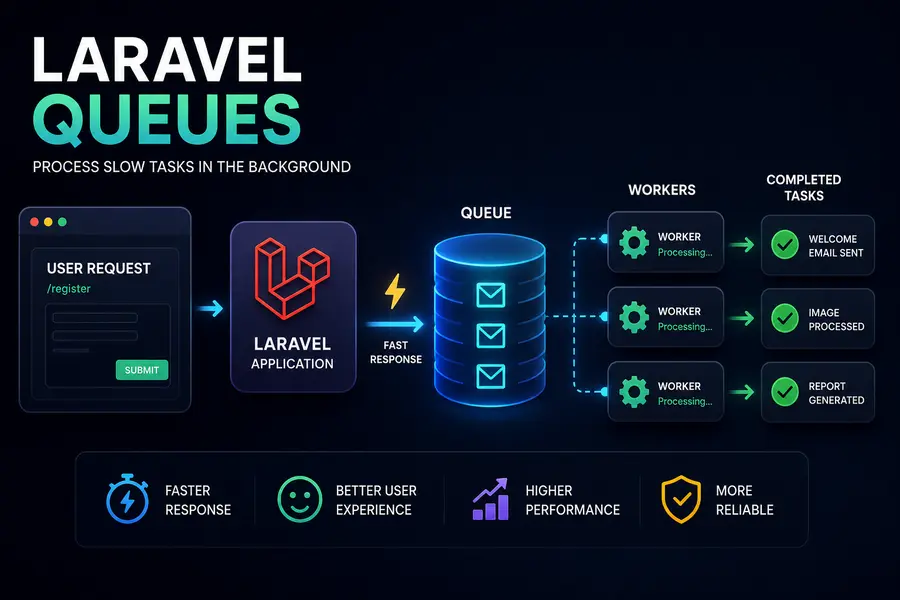
3. Use Queues for Heavy Tasks
Slow tasks like sending emails should run in the background instead of blocking user requests.
SendWelcomeEmail::dispatch($user);
4. Cache Configurations in Production
php artisan config:cache
php artisan route:cache
php artisan view:cache
These commands improve application bootstrapping performance significantly.
5. Select Only Required Columns
$users = User::select('id', 'name', 'email')->get();
Avoid loading unnecessary data from the database.
6. Add Database Indexes
Indexes dramatically improve query speed for frequently searched columns.
$table->string('email')->unique();
$table->string('city')->index();
7. Use exists() Instead of count()
User::where('email', $email)->exists();
exists() is faster because it stops after finding the first matching record.
8. Enable PHP OPcache
OPcache stores compiled PHP bytecode in memory and improves performance dramatically.
9. Upgrade PHP and Laravel Versions
Modern PHP and Laravel versions contain major internal performance improvements.
10. Use Laravel Octane
Laravel Octane boosts performance by keeping the application in memory using Swoole or RoadRunner.
Conclusion
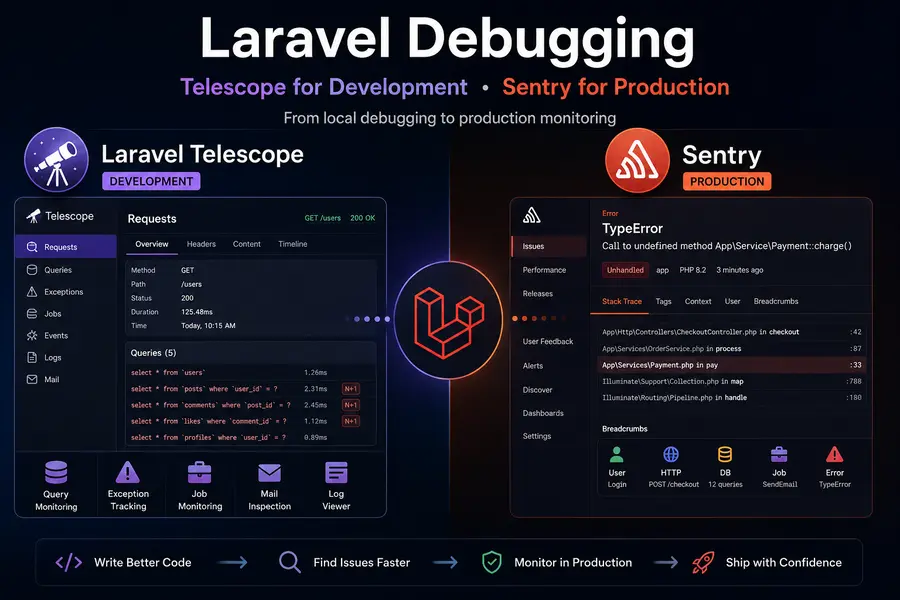
Start with diagnostics tools like Laravel Debugbar or Telescope, fix N+1 issues first, then move to caching and advanced optimizations.